

Most visitors decide within a few seconds whether to call you or go back to Google. Your homepage has to answer three questions fast: what do you do, where do you do it, and why should I trust you?
Here are the eight things a contractor, renovator or trades homepage needs.
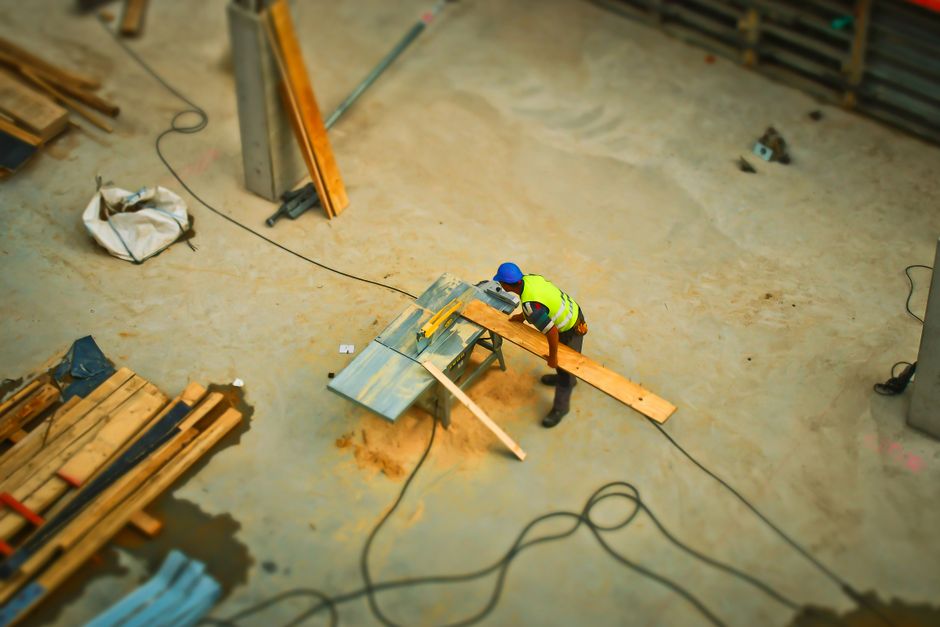
1. A headline that names your service and your area
"Welcome to our website" tells a visitor nothing. "Basement renovations in Durham Region" tells them they are in the right place. Put your main service and your service area in the first line they read.
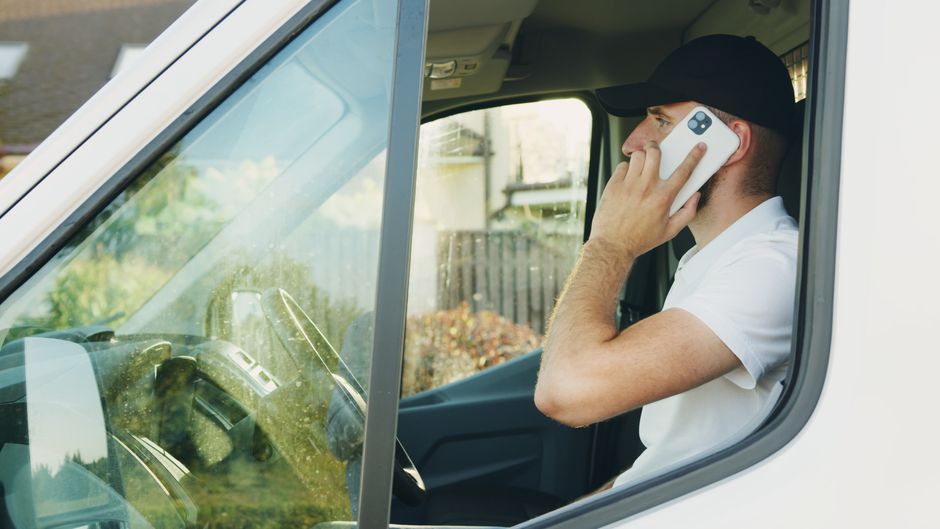
2. A phone number that is easy to tap
On a phone, your number should be a tap-to-call button at the top of the page. Do not make people hunt through the footer. Many of your customers are standing in a damaged room or a cold house when they find you.
3. A short quote form
Three to five fields is enough: name, phone, what they need, and their city. Every extra field costs you leads. Send submissions straight to your email so you can reply quickly.

4. Reviews near the call to action
A Google rating and one or two short reviews placed next to your quote button do more work than a paragraph about how great you are. If you have 20 or more reviews, show the count.
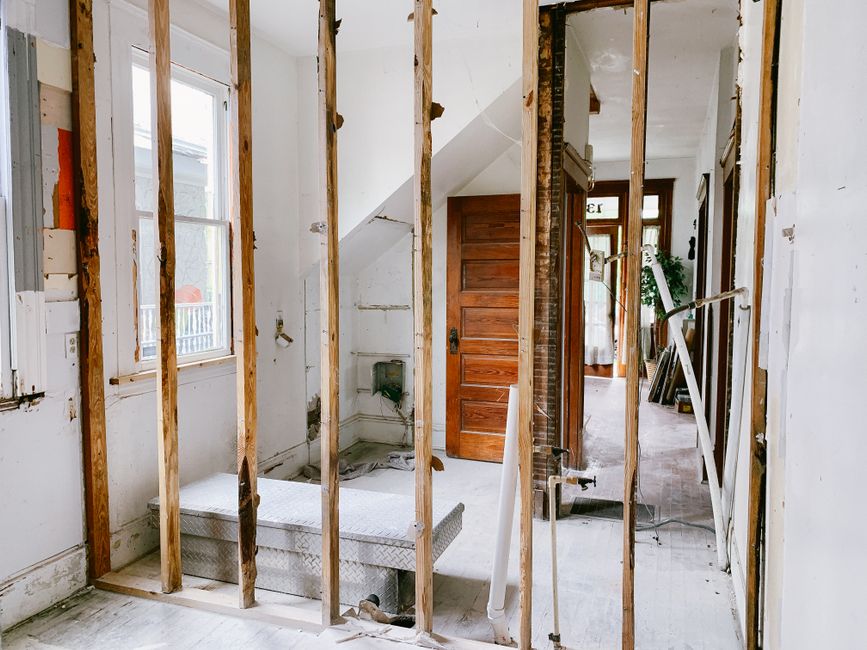
5. Your real work
Show photos of finished jobs from your own projects. Before and after photos work especially well for renovations, roofing and landscaping. Avoid stock photos where you can, because customers can tell.

6. Proof you are legitimate
Licences, insurance, warranties, years in business and any trade associations you belong to all lower the risk a customer feels. Put them where people can see them without scrolling through the whole page.
7. A clear list of services and areas
Link to a page for each major service, and list the cities you cover. This also helps Google match you to searches like "roofing contractor Whitby", because it can see where you work.
8. One obvious next step
Do not give visitors ten things to click. Pick one action, such as "Get a free quote", and repeat it at the top, middle and bottom of the page.
What to leave out
- Sliders and auto-playing video that slow the page down
- Long stories about the company before the services
- Several competing buttons
- Anything that takes more than three seconds to load on a phone
Want to see it done for your business?
We build the homepage first and you see it before you pay. Send us your business name and trade and we will have a free draft ready within one business day.